MYnextRING — User Manual
This manual guides you step by step through your MYnextRING — from unboxing to the app and setup, all the way to safety and technical data. You'll find all chapters in the table of contents.
Contents
01What's Included
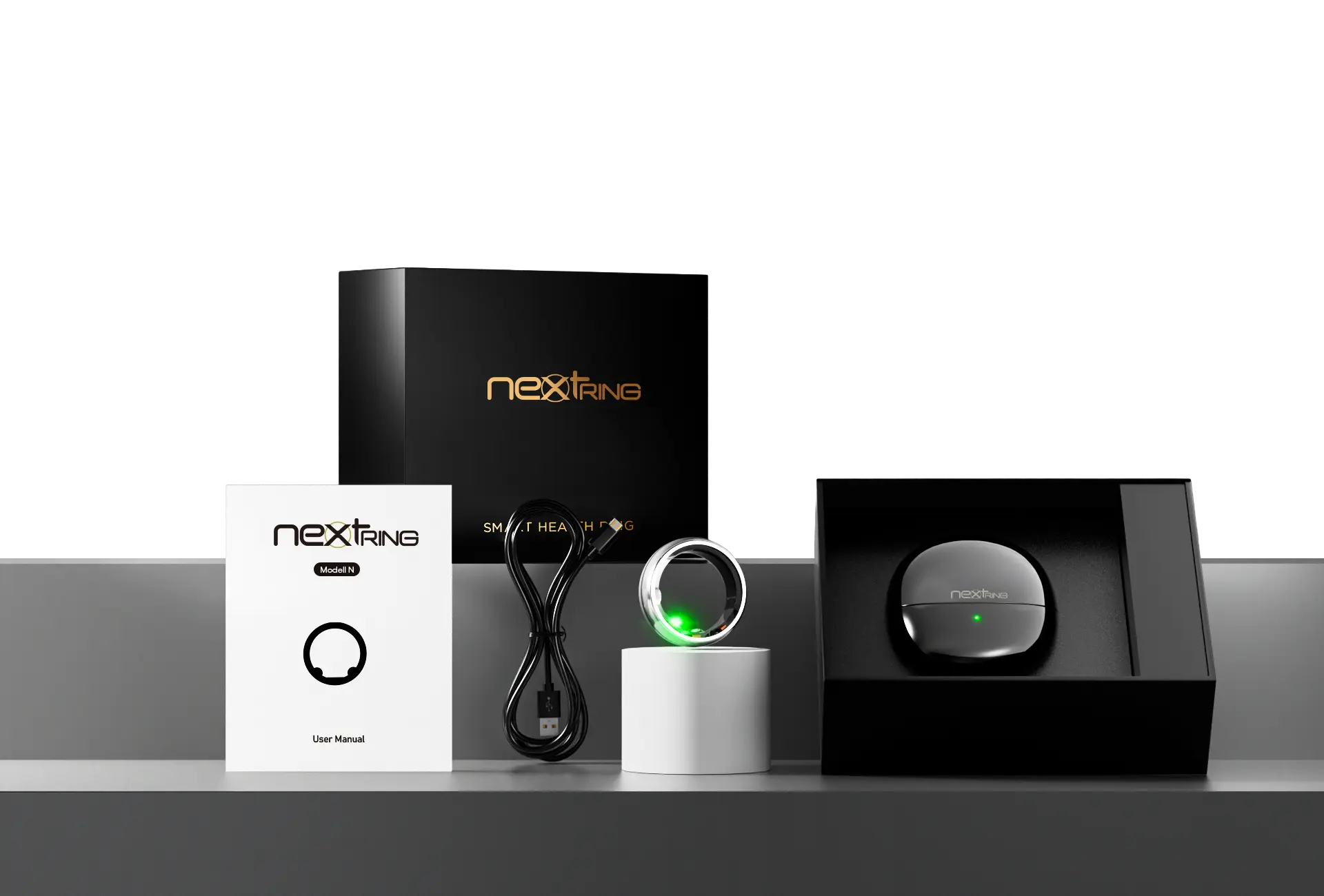
In your MYnextRING packaging you'll find:
- MYnextRING smart ring
- Wireless charging case
- USB-C charging cable
- User guide
02Download the App
To use your ring, you need the MYnextRING app. Here's how:
- Search for “MYnextRING” in the App Store (iOS) or Google Play Store (Android)
- Install the app
- Register and sign in
03Connect the Ring
For your ring to be recognized, it first needs to be activated:
- Place the ring in the charging case.
- Connect the case to a power source.
- Charge it for at least 30 minutes.
- The ring starts blinking in the case — now it's ready to connect.
Now go back into your MYnextRING app:
- Select the last item “About” in the bottom bar.
- In this view you can pair your ring at the very top.
- Bluetooth must be enabled (version 5.0 or higher).
- Please allow all app permissions so the ring can reliably capture all data.
04Wearing It Correctly
For optimal measurement results, we recommend wearing your MYnextRING on the index finger of your non-dominant hand. The middle or ring finger also work well as alternatives.
Make sure to choose a finger where the ring sits securely. Fingers whose base is narrower than the knuckle are less suitable, as the ring can slip more easily there.
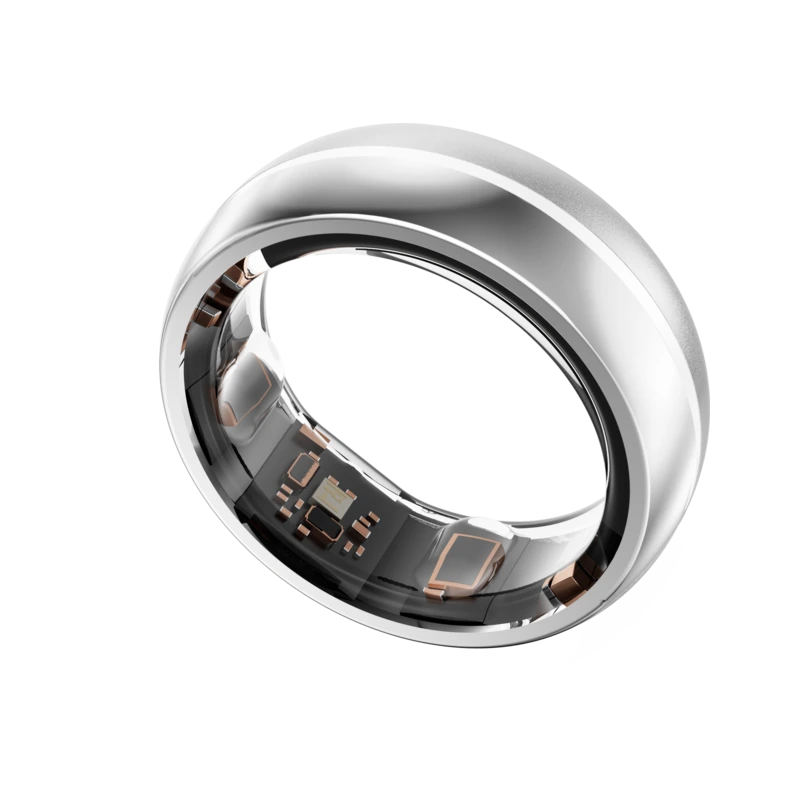
The sensor on the inside of the ring should rest directly against the underside of the finger. For the most accurate data capture, the ring should sit comfortably but securely at the base of the finger — neither too loose nor too tight.
05App Overview & Settings
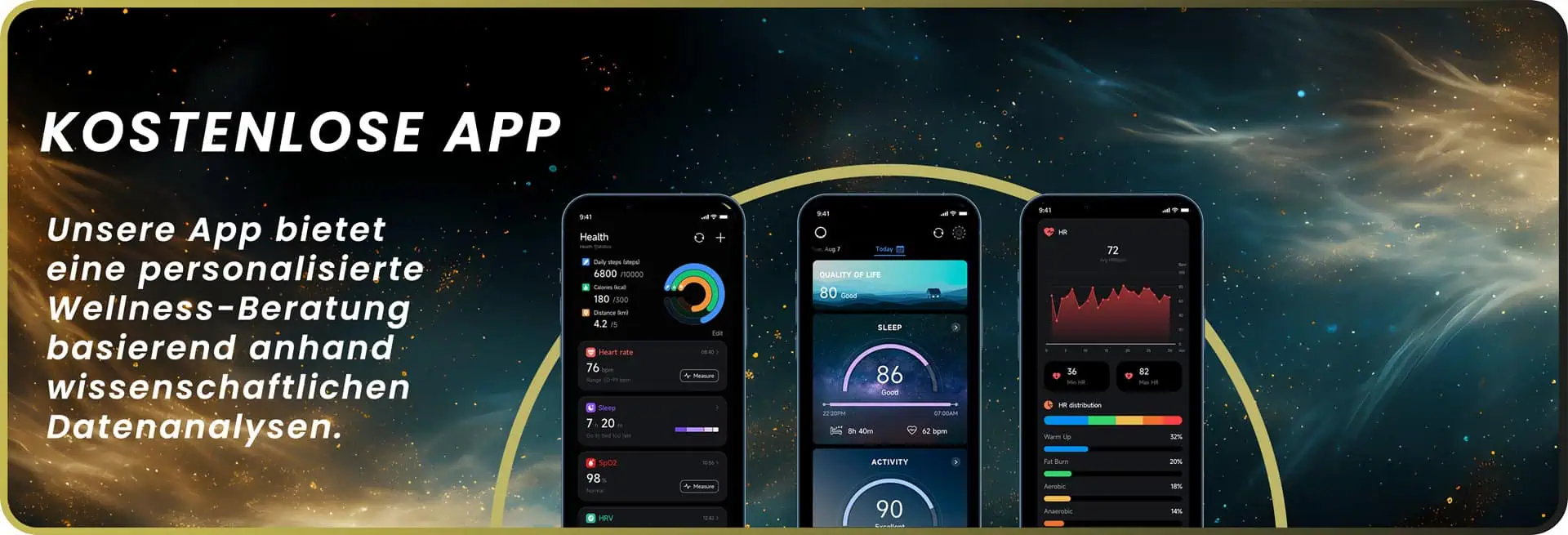
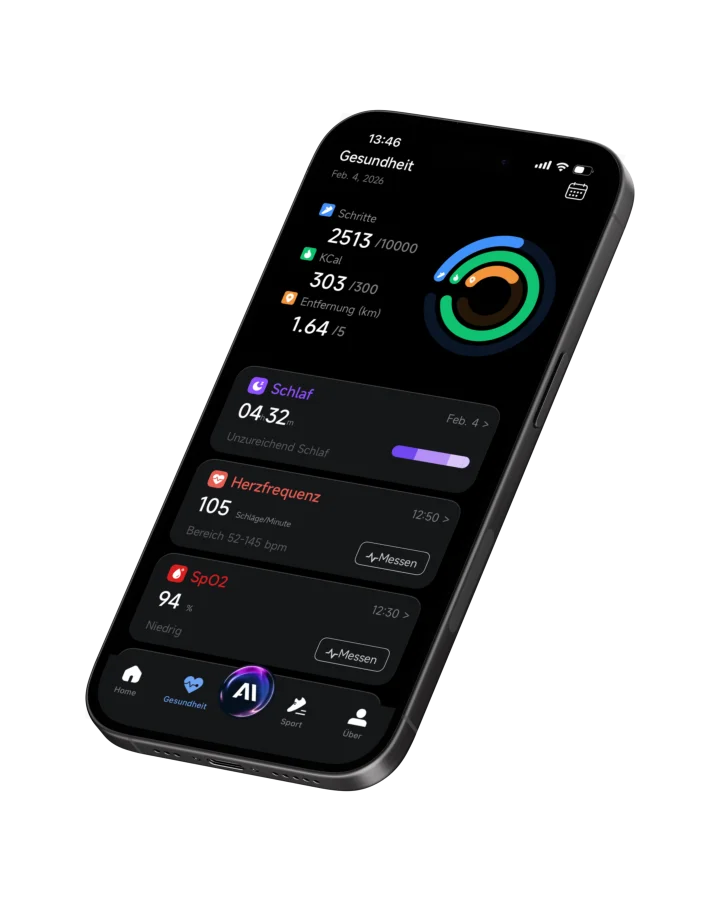
In the MYnextRING app you can see your most important values at a glance — steps, sleep, heart rate and more. You can reach all areas via the bottom menu bar; you'll find personal settings under “About”.
Personal Profile
At the top left you can complete your personal profile. Here you can enter, for example:
- Profile picture
- Name
- Date of birth
- Gender
- Height
- Weight
This information helps to analyze your values as individually as possible.
Device Settings
Under “Device Settings” you define how your ring works.
Automatic Measurements
Here you determine at which intervals your ring captures data — for example every 10 minutes.
Goal Settings
Personalize your goals for steps, distance, calories and hours of sleep per day to keep track of your progress.
Unit Settings
Check whether the units match your country and preferences. For example:
- Kilograms (kg)
- Kilometers (km)
- Degrees Celsius (°C)
All settings can be adjusted at any time.
06AI Insights
One of the most exciting areas of the app — and at the same time one of the more hidden ones. Open the app and go to: About → AI Insights.
Here you get a comprehensive analysis of your data and recognize connections between sleep, activity, recovery, strain and your everyday life. You can view the analyses week by week or switch to the monthly view.
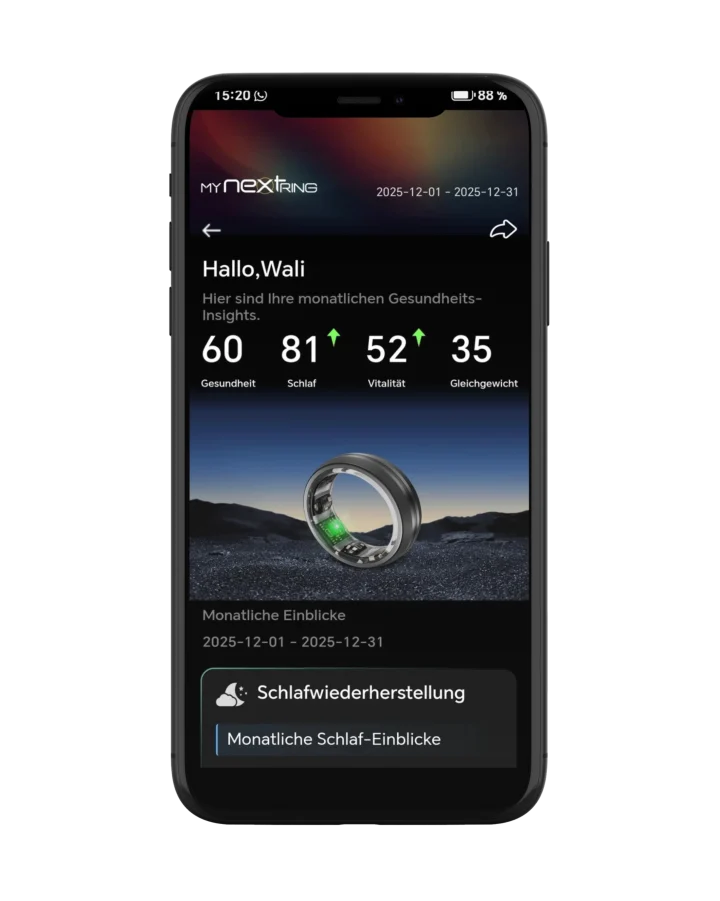
Many users discover patterns and habits here that would otherwise have stayed hidden in their everyday life.
07Updates & Ongoing Development
MYnextRING is continuously being developed further. With new software updates you regularly receive improvements, optimizations and new features — automatically and at no extra cost.
As soon as a new firmware update is available for your ring, it is shown in the app. Here's how to find available updates:
- Open the MYnextRING app.
- Switch to the “About” area in the bottom menu bar.
- Look at the field next to the ring shown at the top, where you also see the battery level.
- If an update is shown there in red, you can start the update directly.
08Safety & Care
Please read these notes carefully. Failure to observe them can lead to fires, electric shocks, injuries or property damage.
Use, Care and Maintenance
If the ring gets stuck, moisten your finger with cold water and a little mild soap and slowly twist the ring off. If it cannot be removed in an emergency, seek medical attention immediately. Clean the ring with a soft cloth and mild soap or water. You can wear it while showering, bathing and swimming.
Warranty Exclusion for Signs of Wear
The warranty does not cover scratches or abrasions caused by contact with hard or sharp materials (for example stones, metals or tools) — these are signs of wear and not a warranty case. We recommend taking the ring off during strength training or mechanically demanding work. Also, do not wear it directly next to objects made of metal, ceramic, stone or diamond — nor next to phone cases made of gold, silver, ceramic or aluminum, as there is a risk of scratching.
Further Safety Notes
- Keep the ring away from children. If swallowed, seek medical help immediately.
- Do not expose the ring to direct heat (for example in a vehicle or in the sun).
- Never pierce the ring or the battery.
- While wearing the ring, do not hold batteries and do not work on battery-powered devices — as with any metal ring, there is a risk of short circuit and shock.
Disposal
Dispose of the ring properly and never in a fire. Observe the local regulations on waste separation (EU WEEE Directive for waste electrical equipment). You can also send the ring back to us — we will dispose of it properly.
Data Protection
You'll find all information about data protection directly in the MYnextRING app.
09Technical Data
| Warranty | 12 months (excluding signs of wear and mechanical damage from improper handling) |
|---|---|
| Bluetooth | BLE 5.0 |
| Bluetooth range | 2 meters |
| Battery | 14.5–21.5 mAh |
| Battery life | 6–10 days (depending on ring size, usage and model) |
| Data storage | 15 days |
| Water resistance | 5 ATM (≈ 50 meters) |
| Activity time | up to 100 hours |
| Calories burned | max. 9999.9 kcal |
| Operating temperature | −10 to +52 °C |
| Charging time | about 2 hours |
10EU Conformity & Downloads
ilogs smartwear GmbH declares that the product MYnextRING meets the essential requirements and all relevant provisions of Directive 2014/53/EU.
Still have questions?
If you can't find an answer here, our support team is happy to help. Write to us or start the chat.